

8·
2 days agoOoh, nice. +1 for your admin team. Maybe my instance would consider doing something similar. It is a topic-based instance after all.
I’m beautiful and tough like a diamond…or beef jerky in a ball gown.
Ooh, nice. +1 for your admin team. Maybe my instance would consider doing something similar. It is a topic-based instance after all.
Less politics, less news, less “I’m mad about this so you should be mad about it too” rage posting/armchair activism, less “ist’s and ism’s”. Less preachy shit about capitalism bad, communism good (or maybe .ml should just be blocked by default?). Less bitching about Reddit (I swear, I’ve heard less about friends’ exes than some people bitch about Reddit here). Less “hurr durr power tripping mods” circlejerking.
More content about cool stuff, hobbies, amazing feats, movies, books, TV shows, etc.
This place has much of the latter but it’s completely overshadowed by the former to the point you have to almost dig for it. Even blocking the overt news, politics, and political “humor” communities, it still seeps in to comics and memes and unrelated communities.
There’s still plenty of good in this world, but you’d never know it from looking at what’s always topping the feed here.
And a new user checking this place out is going to be immediately hit in the face with all of the former and probably not even see the latter.

Don’t feel bad or at least don’t feel alone. Such is generally my luck too.
One thing has become abundantly clear: You, me, and so many others in the comments here need to be in charge of phone design and not whoever’s been doing it for the last 10 years.
I’d love to see the keyboards and trackballs manufactured again if for no other purpose than having them available for other projects.
There was a project a while back called Beepberry that was a little handheld Linux thing that used Blackberry keyboards. Among other reasons, the supply of the Blackberry keyboards dried up so the project died.
I pre-ordered last June and got it toward the end of July. It seems to ship directly from the factory in Hong Kong, so you have to use the tracking link they send you until it clears customs in your country.
I did a first impressions post about it when I got it.
I’m really starting to feel like Android 11 is the “Windows 7” of Android.
I had the LG Genesis that was the spiritual successor to the enV. Loved the form factor but the battery life was abysmal at like 2 hours of use. Yay Android 2.2 lol.
Gemini PDA
Is that the one from PlanetCom? I’ve been looking at both their Gemini and Cosmo Communicator. Both were out of stock when I ended up going with the Minimal.
I’ve been rocking a Minimal Phone for about 6 or 7 months now, and man am I excited to have options for QWERTY phones again.
just plain boredom with glass slabs
This. So much this. They’re all boring, too tall, and too skinny with about as much personality as a used up dryer sheet. It’s like they’re designed solely for scrolling an endless feed of mind-numbing slop. I remember being able to actually do things on my older smartphones (RDP, SSH, editing documents/spreadsheets, etc). You can still do those things now, but you basically have to break out a bluetooth keyboard to do anything more than the most basic things and it feels like trying to look at a panorama through a keyhole.

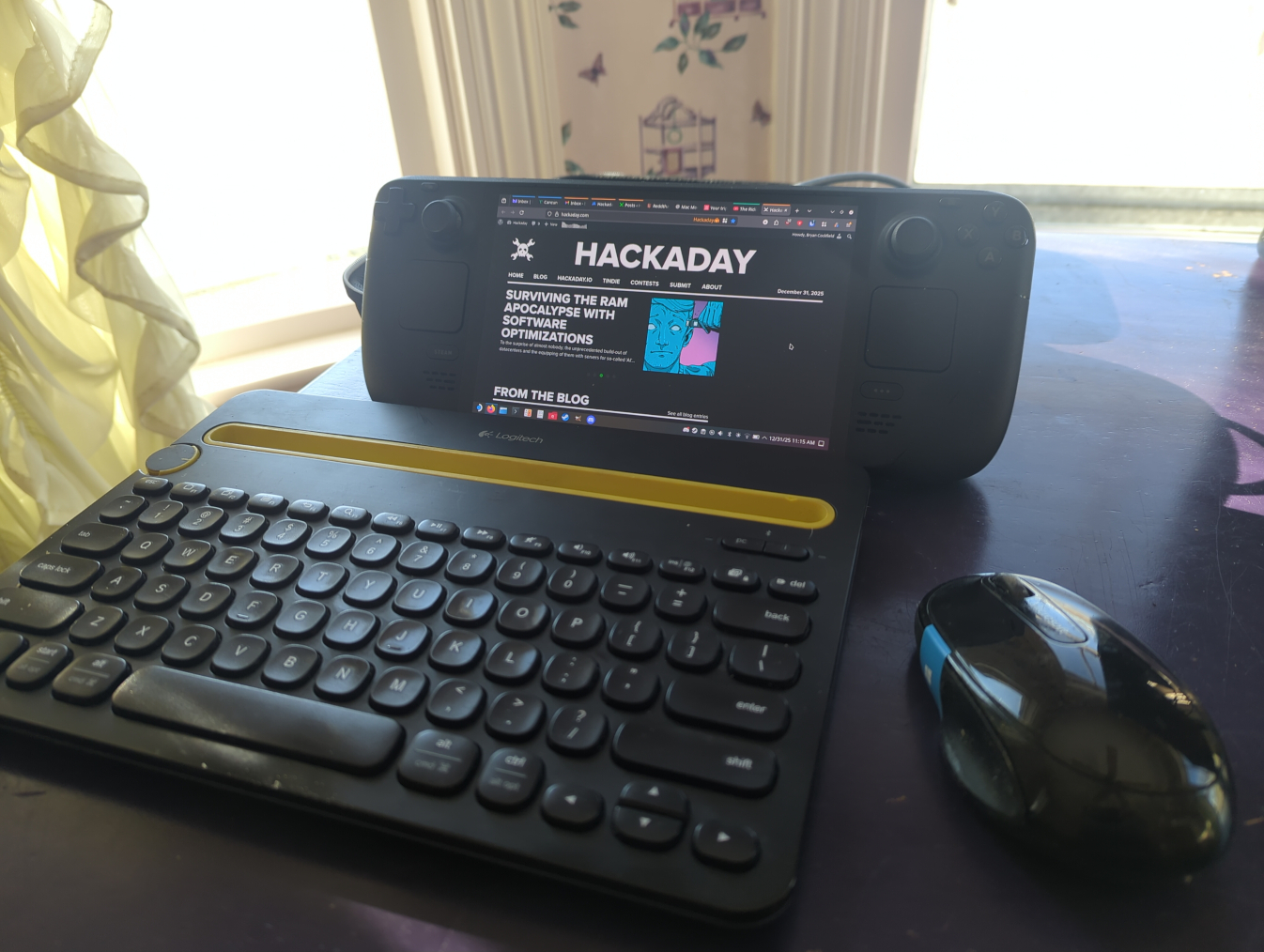
Love my deck … Kind of got side tracked gaming
You sound like me lol: Side tracked by the device’s primary purpose.
Apparently I said “Joe Dirt” sometime earlier in my life and my wish came true.
Every other post being “Promoted” bullshit, the slow-ass web UI, my former favorite app no longer working, and the bloated and track-y first party app. I was never a fan of “old reddit UI” , so that wasn’t a crutch like it was for others.
I remember the individual was frustrated because without the app, you couldn’t modify anything on the device…which seems very bad.
Sadly, that’s how this one is but the defaults are sane enough that you could get by without it. I didn’t buy it for the features that need the cloud service, so if those are unavailable, that was fine for my use case. The consolation is that configuring it can all be done with just the app over Bluetooth.
I’m hoping someone reverse engineers the Bluetooth protocol. I did a HCI dump while it was connecting and streaming data, but I can’t make the slightest bit of sense of it.
Literally that one, but I have the Gen 2 version.
Smartphone is not necessarily required, but if you want to change any of the settings (AC charge rate, maximum discharge depth, etc), you’ll need to use the app. You can use the app to connect to it via bluetooth directly. That said, it’s possible to use it without any app at all with the default settings and it works fine.
The app tries to steer you toward making an Anker account and connecting the unit to wifi (some features like WeatherGuard, time of use charging, etc require that) but you can use it without an account and connect locally via bluetooth. That’s how I do it, so no issues with a cloud connection as it’s not even using it. Though I did complain to support about how the app treats that use case as a second-class citizen. (When you open the app, it always lands you on the signup/login page and you have to click “Skip” in tiny text at the bottom to use the app locally via BT). The app also nags you that Google Play Services is required but it works fine without it.
I do use the app for remote monitoring and once to set the max discharge depth from 1% to 15% but otherwise it works fine standalone. The only thing making me slightly consider setting up the cloud connection is the HomeAssistant integration; there’s a module to tie it into HA, but it uses the cloud API rather than connecting over bluetooth :(
Locally, there’s nothing (not even scammers). I got 4x200 watt panels from Amazon and am using those with an Anker Solix C1000.
For the expansion in the spring, I’m probably going to order more of the same PV panels. For the combo inverter/charger, I’m looking at the ones from SungoldPower currently as well as a few others. Battery is still in the research phase, but the inverter can auto switch between solar and utility without the battery.
The wiring I can handle but will probably have an electrician do the wiring from my main breaker to the subpanel that’s fed from the solar inverter (grid tie is too caught up in expensive red tape to bother with here).
Not really an event, but I installed a small trial solar setup (800W with 1 kWh battery) this past autumn that I am quite pleased with (despite the utter lack of sun since November).
In the spring, I’m planning to expand that to something like a ~7 KW solar array, 10 KW inverter/charger, and hopefully around 16 kWh of battery.
Screw you, AEP and my rate nearly doubling year over year



“All” is what new users typically see. Or see immediately after clicking from “Local” if that’s what the instance is set to default to. New users do not have any subscriptions, and if they’re just browsing as guest, they literally can’t subscribe or do any kind of curation.
First impressions are important. Someone comes here brand new and the first impression is typically that of an angry mob.
So to get a bigger userbase, the “default, guest experience” needs to provide a good first impression. This…preachy/angry/politics/news flood is highly likely to just turn them away and not even bother trying to curate to find the good bits.