Apple supports its devices for a lot longer than most OEMs after release (minimum 5 years since being available for sale from Apple, which might be 2 years of sales), but the impact of dropped support is much more pronounced, as you note. Apple usually announces obsolescence 2 years after support ends, too, and stop selling parts and repair manuals, except a few batteries supported to the 10 year mark. On the software/OS side, that usually means OS upgrades for 5-7 years, then 2 more years of security updates, for a total of 7-9 years of keeping a device reasonably up to date.
So if you’re holding onto a 5-year-old laptop, Apple support tends to be much better than a 5-year-old laptop from a Windows OEM (especially with Windows 11 upgrade requirements failing to support some devices that were on sale at the time of Windows 11’s release).
But if you’ve got a 10-year-old Apple laptop, it’s harder to use normally than a 10-year-old Windows laptop.
Also, don’t use the Apple store for software on your laptop. Use a reasonable package manager like homebrew that doesn’t have the problems you describe. Or go find a mirror that hosts old MacOS packages and install it yourself.
if you’ve got a 10-year-old Apple laptop, it’s harder to use normally than a 10-year-old Windows laptop.
Also, don’t use the Apple store for software on your laptop. Use a reasonable package manager like homebrew that doesn’t have the problems you describe. Or go find a mirror that hosts old MacOS packages and install it yourself.
Agree with both and able to do so cause I’m an IT professional and wo ked on all 4 major OSes in my past.
However, having to use an external package manager undercuts the advertising that they’re just plug and play.


Apple supports its devices for a lot longer than most OEMs after release (minimum 5 years since being available for sale from Apple, which might be 2 years of sales), but the impact of dropped support is much more pronounced, as you note. Apple usually announces obsolescence 2 years after support ends, too, and stop selling parts and repair manuals, except a few batteries supported to the 10 year mark. On the software/OS side, that usually means OS upgrades for 5-7 years, then 2 more years of security updates, for a total of 7-9 years of keeping a device reasonably up to date.
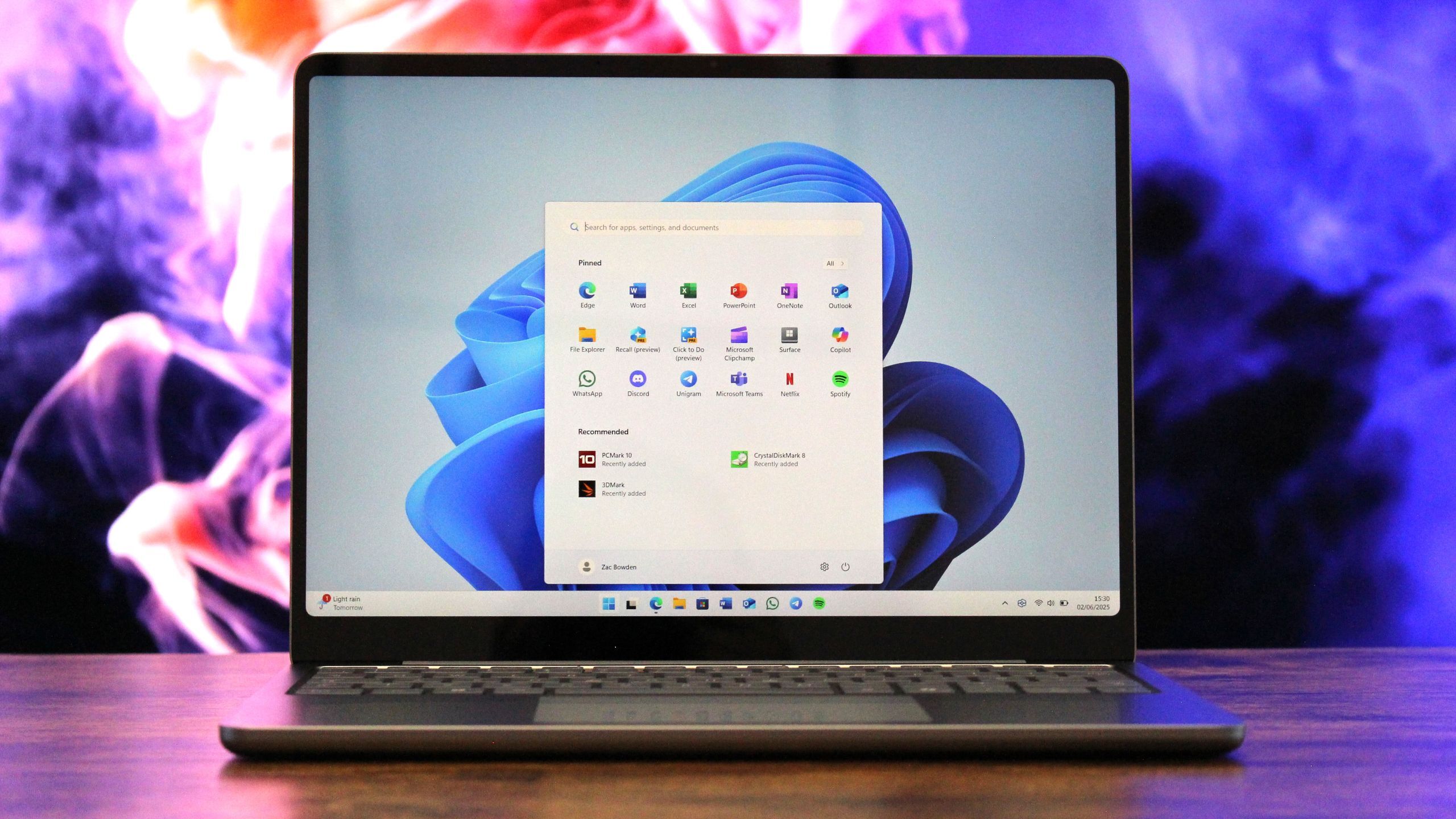
So if you’re holding onto a 5-year-old laptop, Apple support tends to be much better than a 5-year-old laptop from a Windows OEM (especially with Windows 11 upgrade requirements failing to support some devices that were on sale at the time of Windows 11’s release).
But if you’ve got a 10-year-old Apple laptop, it’s harder to use normally than a 10-year-old Windows laptop.
Also, don’t use the Apple store for software on your laptop. Use a reasonable package manager like homebrew that doesn’t have the problems you describe. Or go find a mirror that hosts old MacOS packages and install it yourself.
Agree with both and able to do so cause I’m an IT professional and wo ked on all 4 major OSes in my past.
However, having to use an external package manager undercuts the advertising that they’re just plug and play.